-
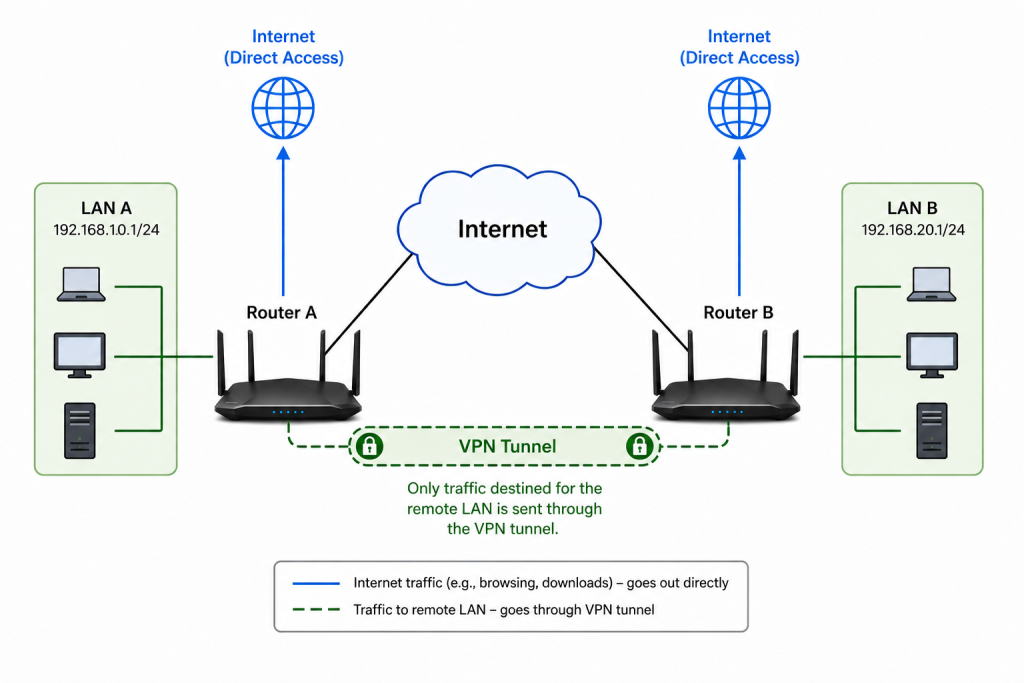
pcWRT VPN Router for Business: Set Up a Site-to-Site WireGuard VPN in Minutes
Posted on August 5, 2026 by pcwrt in Router, VPN.Every small business with more than one location eventually hits the same wall: how do you securely connect two offices so employees can share files, access the company server, or use the same point‑of‑sale system — without an IT department? The answer used to be expensive enterprise gear or a managed VPN service. The pcWRT […]
No Comments. Continue Reading... -
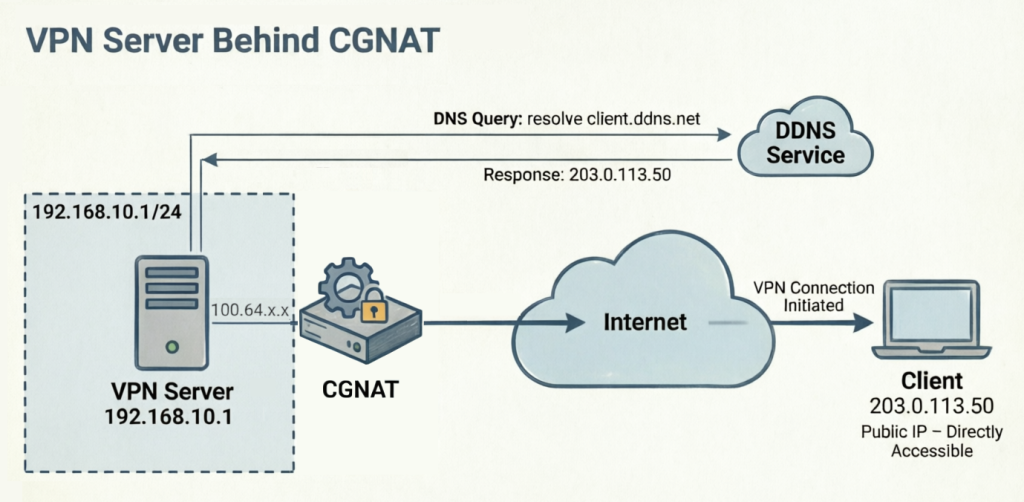
How to Set Up a Router-to-Router WireGuard VPN Behind CGNAT (pcWRT Guide)
Posted on August 3, 2026 by pcwrt in Router, VPN.Setting up a WireGuard VPN behind CGNAT is a common headache for home networkers and small businesses. Carrier-Grade NAT (CGNAT) means your ISP hides your router behind a shared public IP, making it impossible for external clients to initiate a traditional inbound connection. Most tutorials tell you to pay for a static IP or use […]
No Comments. Continue Reading... -
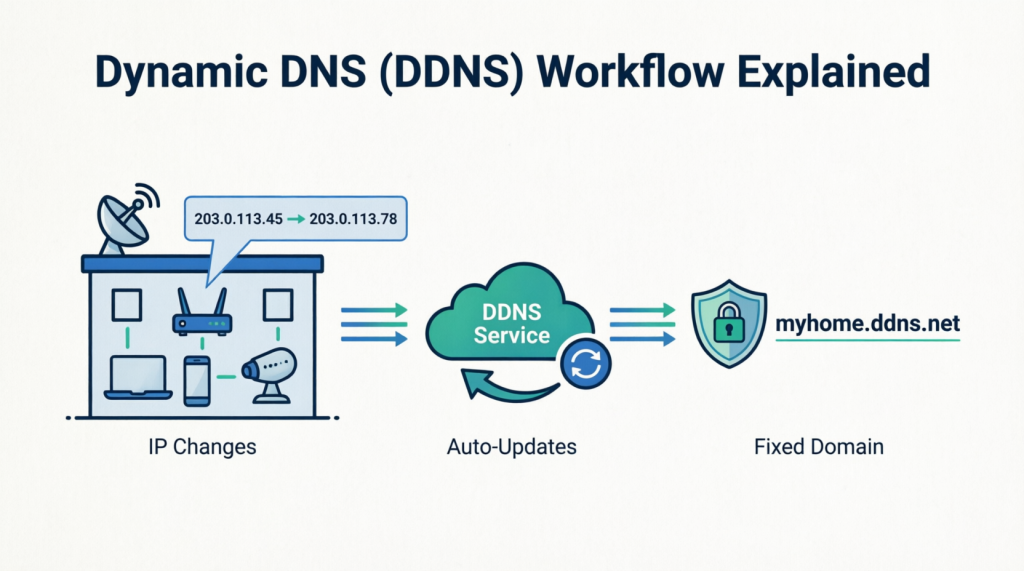
pcWRT DDNS Setup Guide: Free & Easy Remote Access in 2 Minutes
Posted on August 2, 2026 by pcwrt in How To.Are you tired of losing your VPN connection every time your ISP changes your home IP address? You are not alone. Dynamic public IPs are the number one headache for remote access—but the pcWRT router has a built‑in cure. With the native pcWRT DDNS feature, you can assign a fixed, memorable domain name (like myhome.pcwrt.net) […]
No Comments. Continue Reading... -

Double VPN, multi-hop VPN, VPN chaining, what is it?
Posted on May 24, 2026 by pcwrt in Technology, VPN.Google AI gives contradictory info when you search for “Double VPN vs Multi-hop VPN”. You can’t really blame AI for the confusion because the articles AI digested provided inconsistent and confusing information in the first place. Sometimes double VPN is described as a special case of multiple-hop VPN, where double VPN being two hops but […]
No Comments. Continue Reading... -
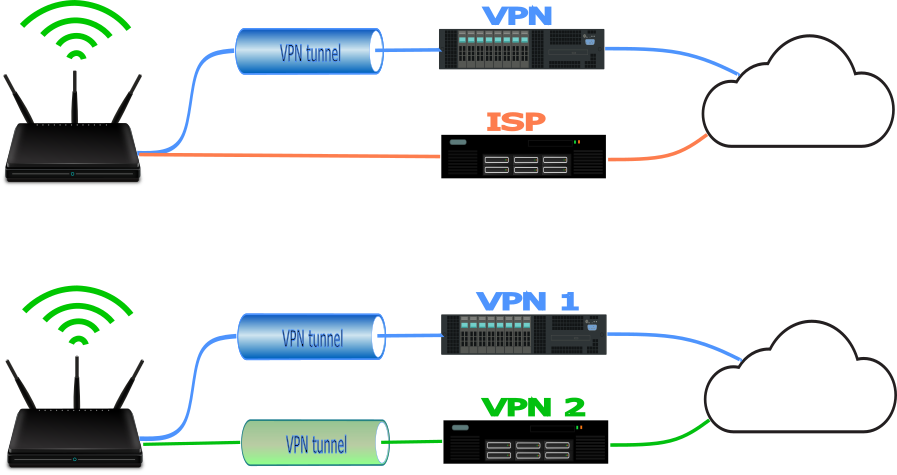
VPN Split Tunneling and Split Tunneling Two Separate VPN Connections with the pcWRT Router
Posted on February 9, 2026 by pcwrt in How To, Security, VPN.Split Tunnel Between VPN and ISP Connection or Two VPN Connections In an ordinary VPN split tunneling scenario, you can split-tunnel your network traffic between a VPN connection and direct Internet connection. That scenario is completely supported on the pcWRT router. Moreover, since the pcWRT router supports up to three concurrent VPN connections, you can […]
No Comments. Continue Reading... -

Observing Android VPN Leaks with the pcWRT Router
Posted on January 24, 2025 by pcwrt in Security, Technology, VPN.It is known that Android leaks connectivity checks and DNS traffic outside a VPN tunnel under certain circumstances, even when the “Block connections without VPN” switch is turned on. These problems remain unfixed today basically because Google thinks these are not problems. I quote part of the response from Google below: The connectivity checks are […]
No Comments. Continue Reading... -
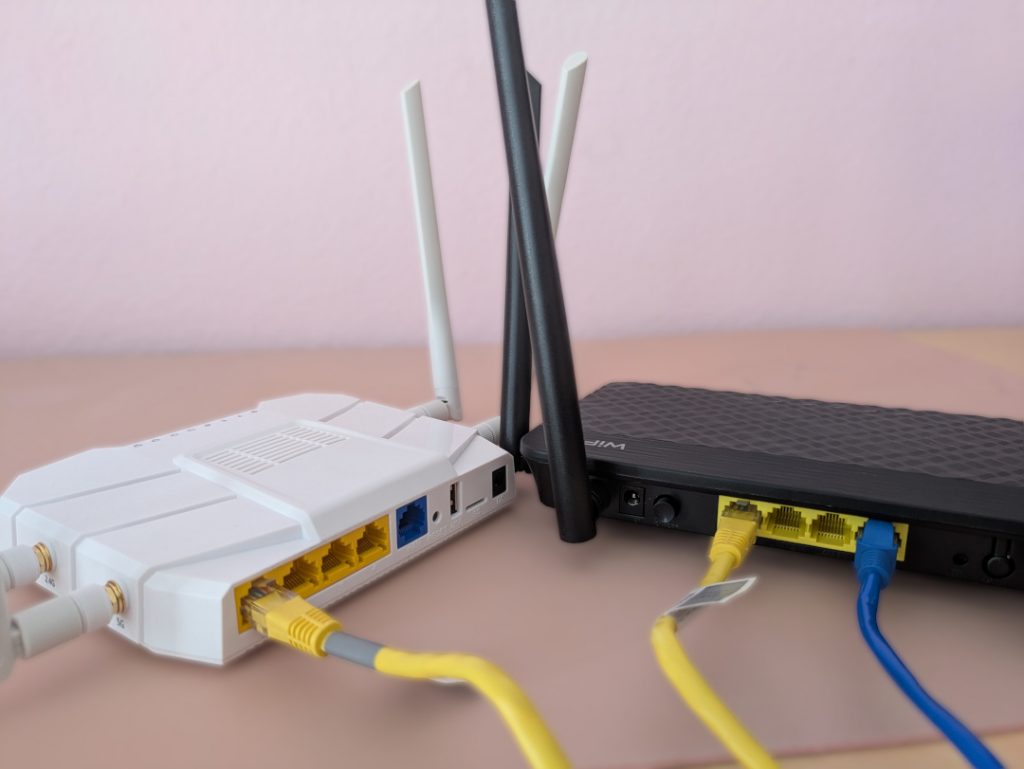
How to set up a second pcWRT router as an Access Point with VLAN support
Posted on December 7, 2024 by pcwrt in How To, Router, WiFi.The pcWRT routers allows you to create multiple WiFi SSIDs and assign each to a different VLAN, which improves your network security by segregating different devices to different VLANs. By following the steps shown here, you can set up a secondary pcWRT router as a WiFi Access Point (AP) to extend the WiFi range, with […]
No Comments. Continue Reading... -
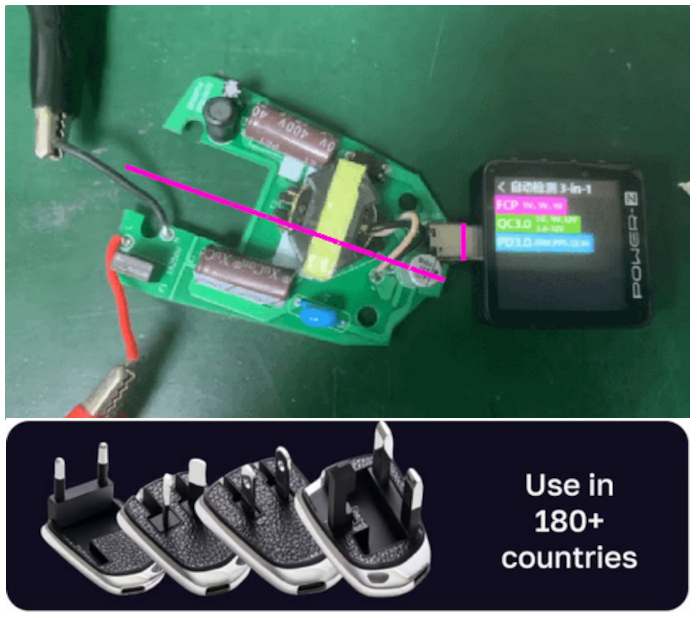
Is the MELLO charger a scam (Kickstarter)?
Posted on June 3, 2024 by pcwrt in News, Technology.Kickstarter is no stranger to scammers. Projects surpassed their goals spectacularly and yet fail to deliver. Did the projects fail despite of honest efforts or were there no intention to fulfill the promises on the outset? It’s hard to tell. WeTag made extravagant claims for their iTag battery free item locating tag without a prototype […]
1 Comment. Continue Reading... -
How to reset the pcWRT router
Posted on April 3, 2024 by pcwrt in How To.Resetting the router restores the router to factory settings. For the pcWRT router, that means you’ll lose all your custom settings and need to do the Initial Setup again. Here’s how to do it: With the router powered up, press the RESET button at the back of the router and hold it for 10 seconds. […]
2 Comments. Continue Reading... -
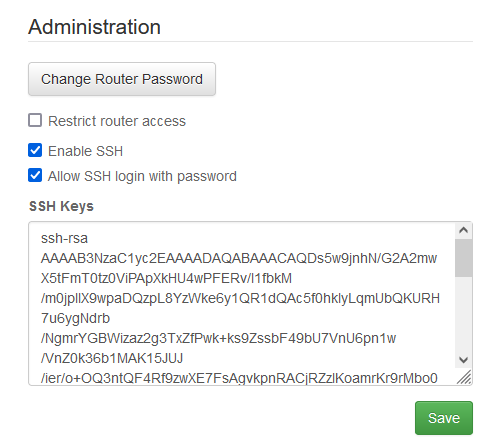
How to create your SSH key and use it on the router
Posted on March 3, 2024 by pcwrt in How To, Router.Generate your key pair Open a command line window and enter: ssh-keygen -b 4096 -t rsa A pair of private/public keys will be generated under the .ssh folder. By default the file names are id_rsa and id_rsa.pub. You can optionally enter a passphrase for your private key. View your public key On Linux or MacOS: […]
2 Comments. Continue Reading...

Recent Posts
- pcWRT VPN Router for Business: Set Up a Site-to-Site WireGuard VPN in Minutes
- How to Set Up a Router-to-Router WireGuard VPN Behind CGNAT (pcWRT Guide)
- pcWRT DDNS Setup Guide: Free & Easy Remote Access in 2 Minutes
- Double VPN, multi-hop VPN, VPN chaining, what is it?
- VPN Split Tunneling and Split Tunneling Two Separate VPN Connections with the pcWRT Router
Recent Comments
- on How to allow or block web sites on the router
- on How to allow or block web sites on the router
- on Monitor activities on your home network
- on How to reset the pcWRT router
- on How to reset the pcWRT router
Archives
- August 2026
- May 2026
- February 2026
- January 2025
- December 2024
- June 2024
- April 2024
- March 2024
- August 2023
- May 2023
- February 2023
- June 2022
- December 2021
- November 2021
- August 2021
- January 2021
- December 2020
- October 2020
- August 2020
- July 2020
- June 2020
- May 2020
- April 2020
- February 2020
- January 2020
- December 2019
- October 2019
- December 2018
- August 2018
- July 2018
- June 2018
- January 2018
- November 2017
- October 2017
- September 2017
- August 2017
- July 2017
- June 2017
- January 2017
- August 2016
- May 2016
- December 2015
- August 2015
- July 2015
- May 2015
- April 2015
- March 2015
Categories


