-
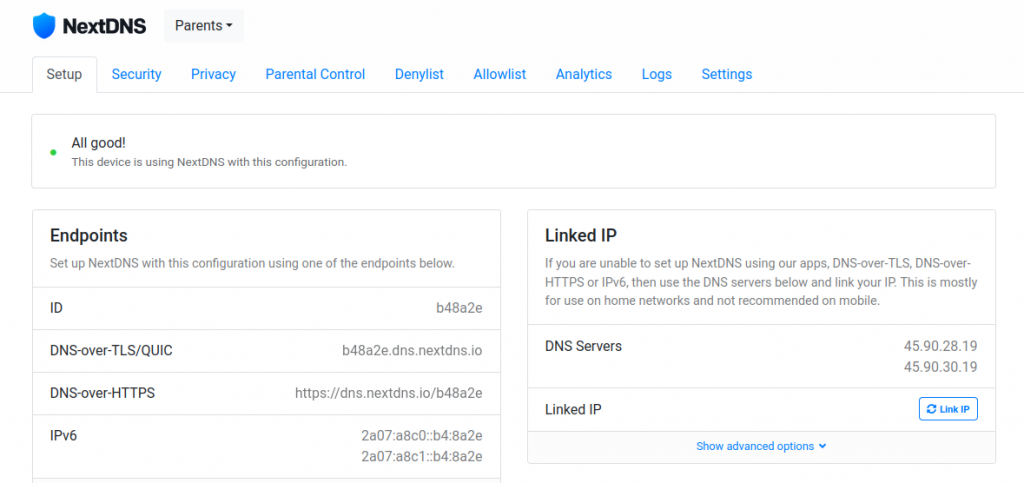
Set Up Multiple NextDNS Configurations for Encrypted DNS on the pcWRT Router
Posted on November 17, 2021 by pcwrt in How To, Router, Security.You can set up multiple configurations in NextDNS, each with different block lists. These configurations map neatly to the Access Control profiles on the pcWRT router. As a result, you can apply different NextDNS filtering configurations to different devices on your network directly from the router, without the need to set up NextDNS on each […]
No Comments. Continue Reading... -
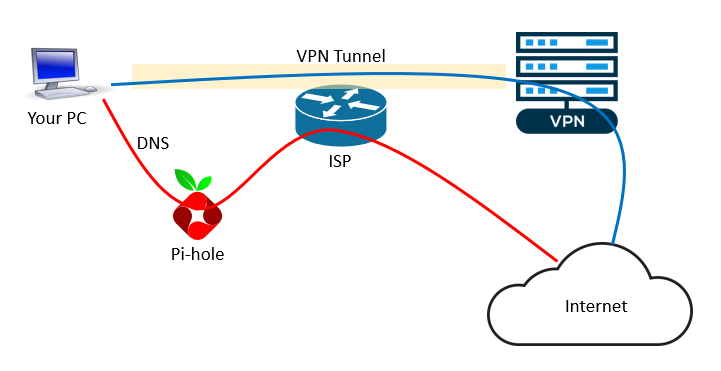
6 VPN leak scenarios and how to prevent them
Posted on August 29, 2021 by pcwrt in Security, VPN.TL;DR: the pcWRT router naturally protects you from the 6 leak scenarios listed below (i.e., no extra work needed). But if you’re using another VPN solution, read on. 1. DNS Leak DNS Leak is the most common type of leak when you are connected to a VPN. Even after your VPN is successfully connected, there’s […]
No Comments. Continue Reading... -
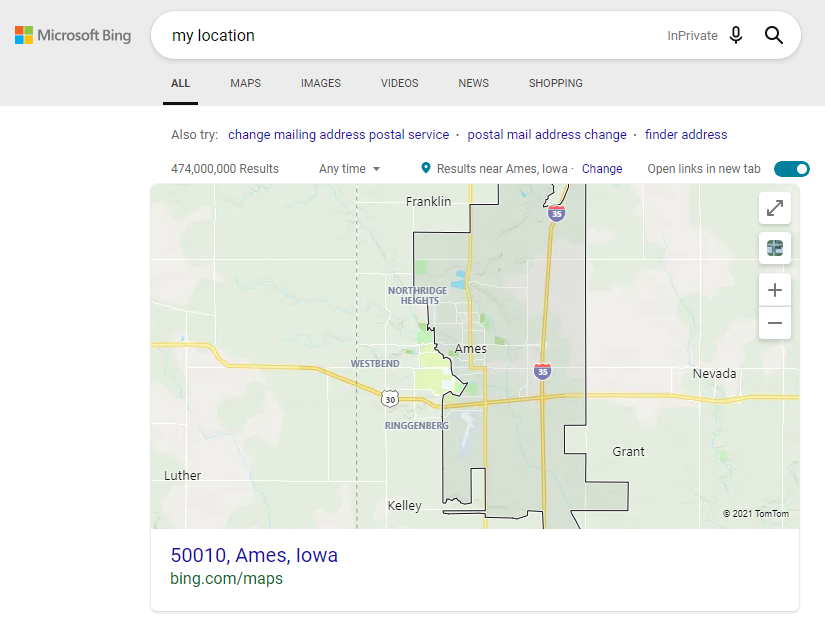
Is Google using fingerprinting to track you?
Posted on August 11, 2021 by pcwrt in Security, VPN.What’s your location? A post on Reddit reported that Google continues to display his actual address despite him using a VPN, turning off WiFi and blocking Geolocation. He even tried fresh installations. Intrigued by the post, I did the tests described here to understand the behavior. To eliminate the possibility of tracking by cookies, I […]
No Comments. Continue Reading... -
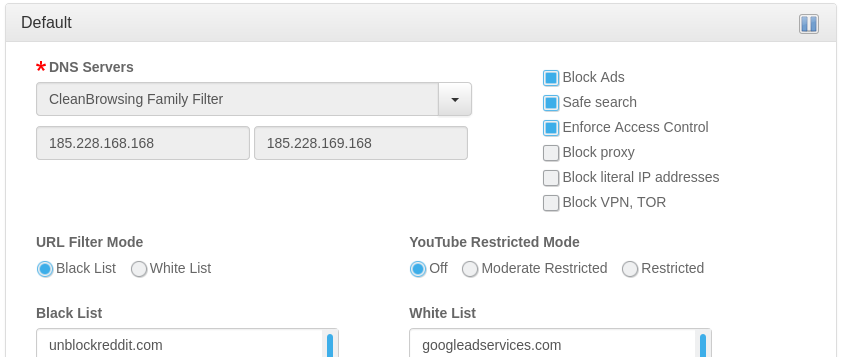
Use OpenDNS for Ad Blocking?
Posted on January 29, 2021 by pcwrt in Router, Security.A lot of people use OpenDNS on their home networks to block contents that might be harmful to children. Some were asking whether OpenDNS can add a filtering category to block unwanted ads. The answer from OpenDNS was no, and for good reason. As a result, if you want to use a DNS service to […]
No Comments. Continue Reading... -
The Complete Guide to Setting up a WireGuard® VPN Server at Home with pcWRT
Posted on January 28, 2021 by pcwrt in How To, VPN.There are many situations where a home VPN server may be useful. First of all, it allows you to securely access your home network remotely. And if you have a network wide ad blocker at home, you can still use it while you are away, by tunneling your device back to the home network. You […]
No Comments. Continue Reading... -
Is WyzeCam Sending Data to Servers Other Than AWS?
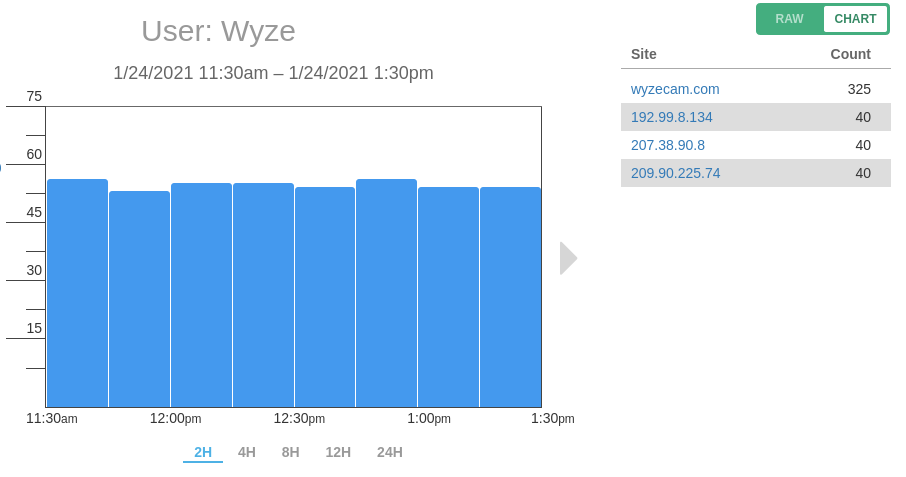
Posted on January 26, 2021 by pcwrt in Security, Technology.When the WyzeCam started selling a few years back, there was an alarming review on Amazon stating that it was sending data all over the world. The reviewer claimed seeing traffic heading to China, Japan and Germany, among other locations. The review on Amazon is probably no longer available. But the discussion on Reddit is […]
No Comments. Continue Reading... -
3 Ways to Block Snapchat on Router
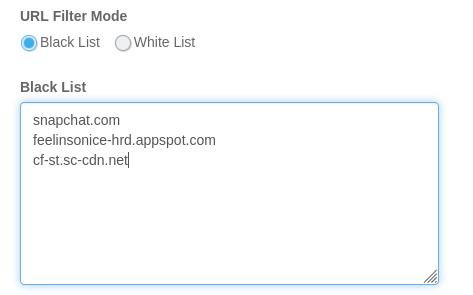
Posted on January 20, 2021 by pcwrt in Parental Control, Router.Configure your router to use OpenDNS When you block the Social Networking category on OpenDNS, Snapchat will be blocked. In order to make this work, you’ll need to sign up for OpenDNS Home, and configure your router to use OpenDNS. Here are the steps: Create an OpenDNS account. Enter the OpenDNS addresses, 208.67.222.222 and 208.67.220.220, […]
2 Comments. Continue Reading... -

Stream movies from PC to Firestick with Kodi
Posted on January 16, 2021 by pcwrt in How To.Putting Kodi on your Firestick is one of the best ways to watch movies on your big screen TV. The Firestick provides convenient remote controls and high quality playback, while various Kodi addons bring you vast amounts of video sources from the Internet. However, I’m not going to show you how to install and use […]
1 Comment. Continue Reading... -
How does my browser know my real location when I’m on a VPN?
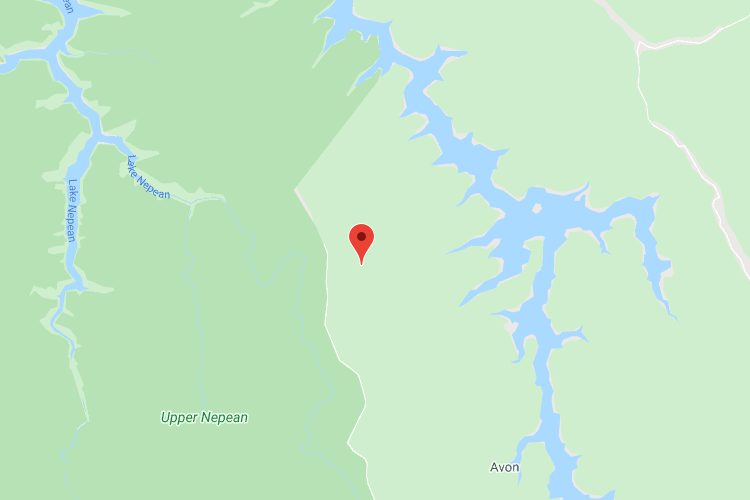
Posted on January 8, 2021 by pcwrt in Technology, WiFi.On a computer that doesn’t have GPS and cellular connection, how does your browser get your location? The obvious answer is it uses your IP address. But that is not true. You can do two simple tests to confirm this: Open https://browserleaks.com/geo. Click Allow Location Access when prompted. Check your location and Accuracy. More likely […]
No Comments. Continue Reading... -
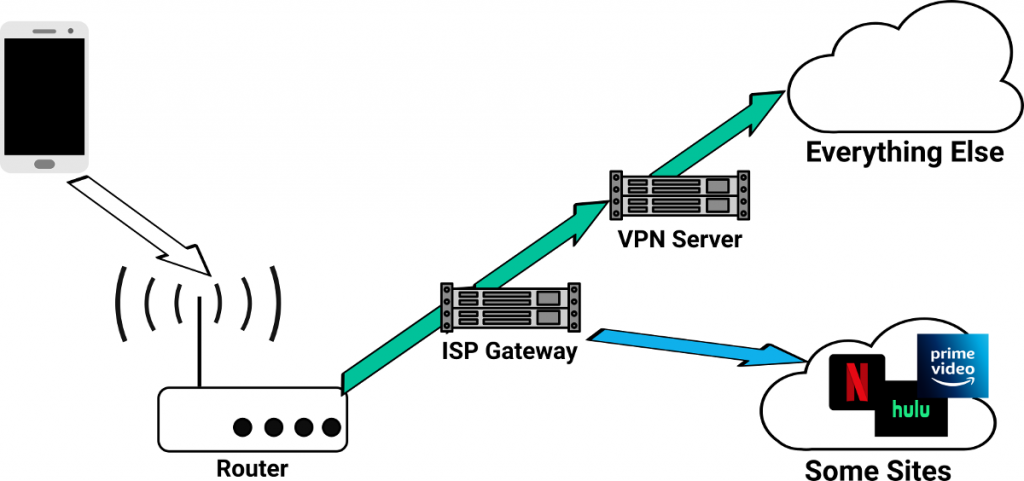
How to bypass VPN for certain web sites or apps
Posted on January 4, 2021 by pcwrt in How To, Router, VPN.There are situations where you want to bypass your VPN for certain web sites or apps. For example, you might want to pass all traffic from some devices through VPN, except for when those devices visit streaming web sites such as Netflix, Hulu etc. Some VPN clients give you the ability to choose which apps […]
No Comments. Continue Reading...
Recent Posts
- pcWRT VPN Router for Business: Set Up a Site-to-Site WireGuard VPN in Minutes
- How to Set Up a Router-to-Router WireGuard VPN Behind CGNAT (pcWRT Guide)
- pcWRT DDNS Setup Guide: Free & Easy Remote Access in 2 Minutes
- Double VPN, multi-hop VPN, VPN chaining, what is it?
- VPN Split Tunneling and Split Tunneling Two Separate VPN Connections with the pcWRT Router
Recent Comments
- on How to allow or block web sites on the router
- on How to allow or block web sites on the router
- on How to allow or block web sites on the router
- on Monitor activities on your home network
- on How to reset the pcWRT router
Archives
- August 2026
- May 2026
- February 2026
- January 2025
- December 2024
- June 2024
- April 2024
- March 2024
- August 2023
- May 2023
- February 2023
- June 2022
- December 2021
- November 2021
- August 2021
- January 2021
- December 2020
- October 2020
- August 2020
- July 2020
- June 2020
- May 2020
- April 2020
- February 2020
- January 2020
- December 2019
- October 2019
- December 2018
- August 2018
- July 2018
- June 2018
- January 2018
- November 2017
- October 2017
- September 2017
- August 2017
- July 2017
- June 2017
- January 2017
- August 2016
- May 2016
- December 2015
- August 2015
- July 2015
- May 2015
- April 2015
- March 2015
Categories


